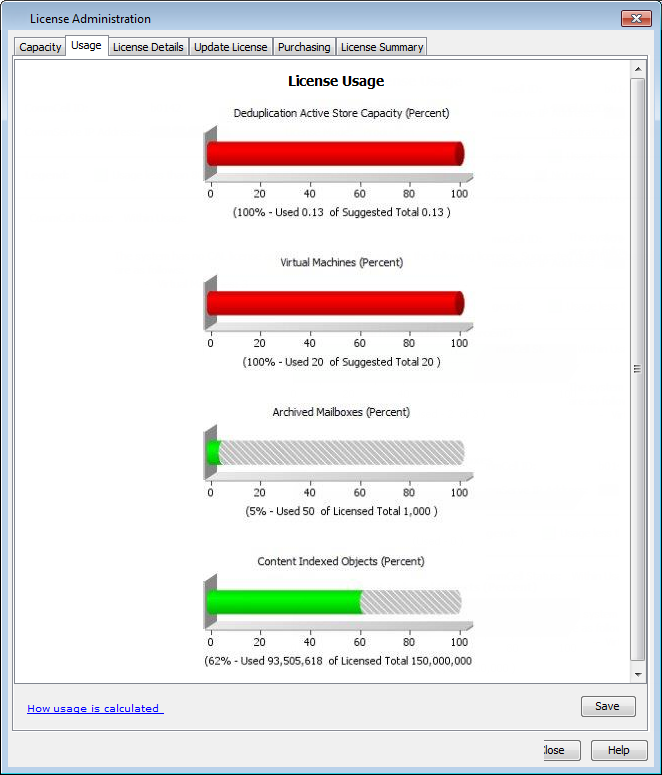
You can save a copy of the Usage dashboard as a PDF or MHTML file and use it for audit purposes.
The usage details in the report are updated every 24 hours, unless the CommServe services are restarted.
Procedure
-
From the CommCell Console ribbon, on the Home tab, click Licensing and Registration.
-
The Licensing and Registration dialog box appears.
-
In the Licensing and Registration dialog box, click the Usage tab.
The license usage graph is displayed. You can click Save if you want to save the report as a file.