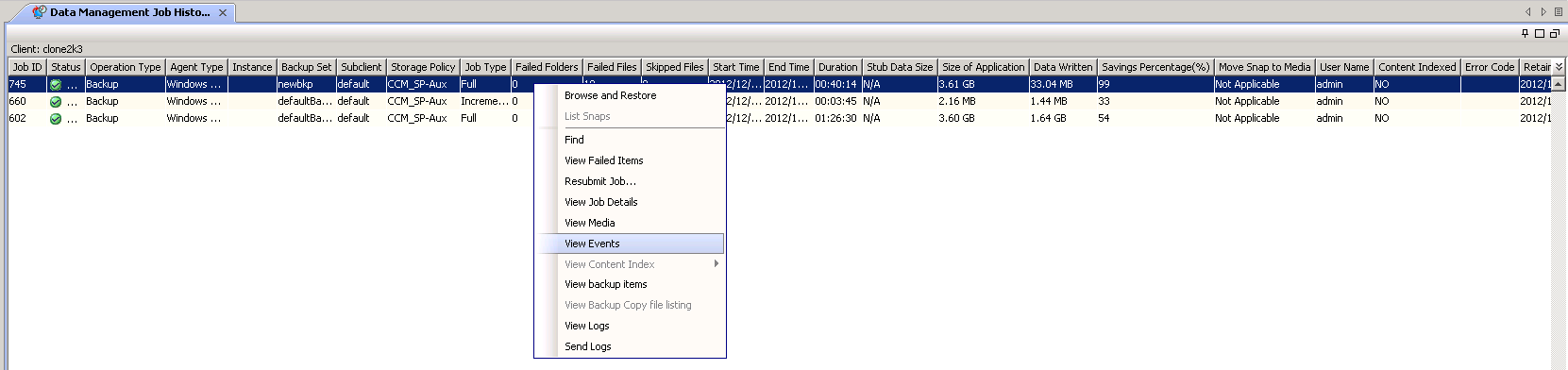
You can view the events associated with a particular job from the Job Controller window, or the Job History window.
Procedure
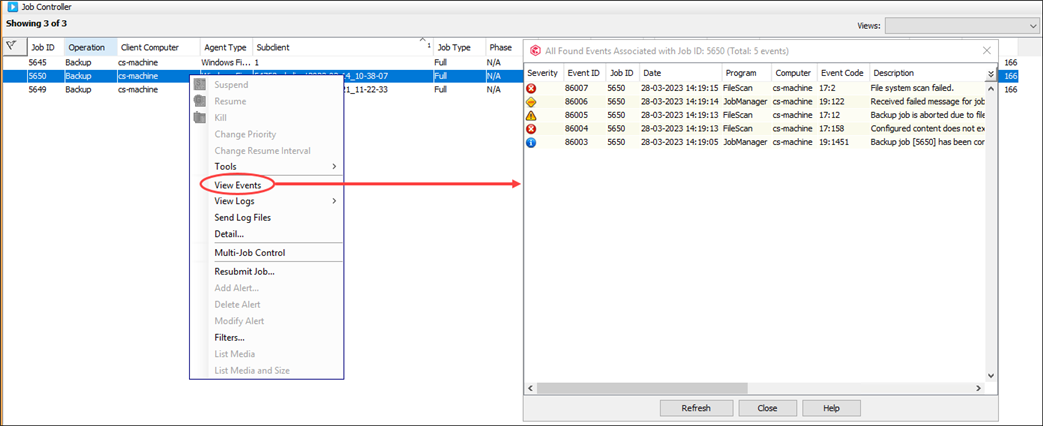
From the Job Controller
Use the following steps to view the events of an active job in the Job Controller:
-
From the CommCell Console ribbon, click the Home tab and then click Job Controller.
-
Right-click any running job and click View Events.
All the events associated with the selected job will be displayed.
From the Job History
You can view the events associated with a particular job in the Job History window.
Use the following steps to view the events occurred for a specific job:
-
In the CommCell Browser, right-click the appropriate entity and click View | Job History.
-
Click OK.
-
From the Job History window, right-click the job and then click View Events.
-
The All Found Events window appears, displaying all events.
-
Click Close.