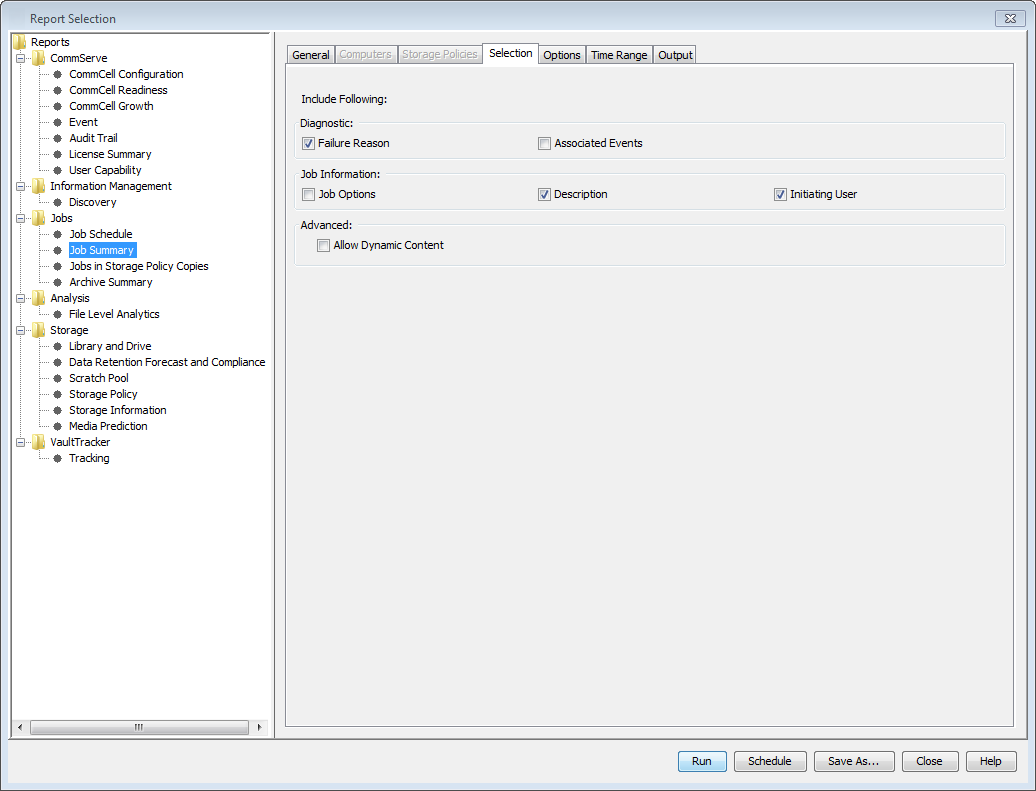
Job Description
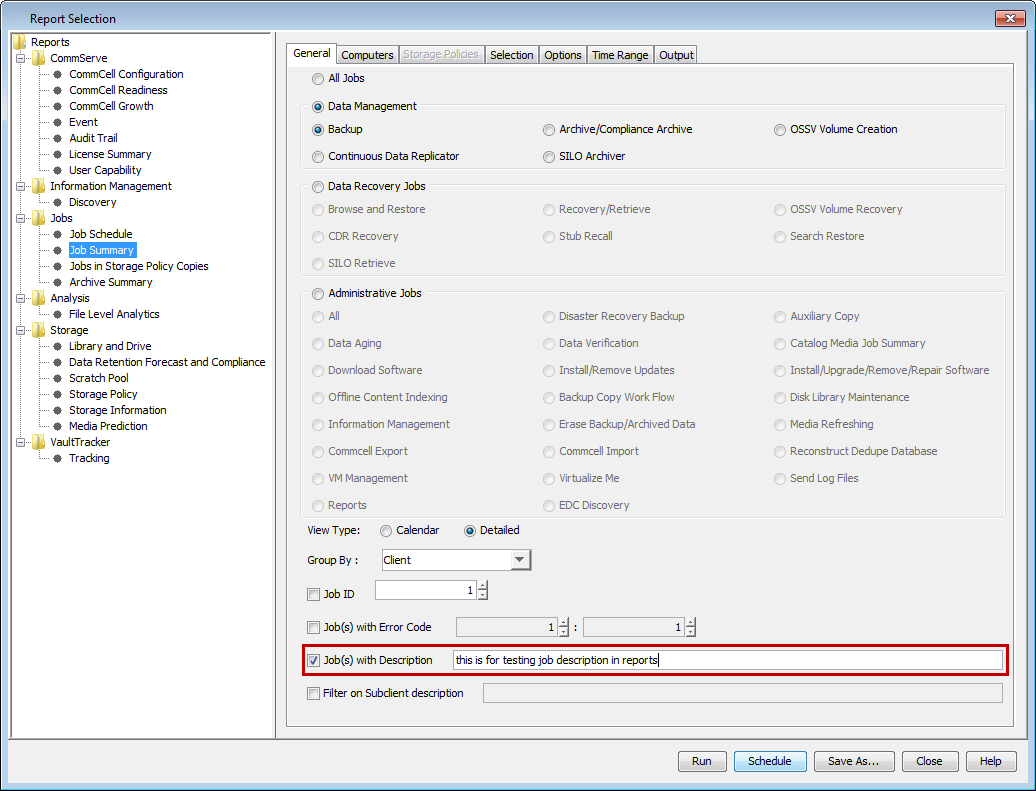
When you configure the Jobs with Description option, only jobs that contain the specified description appear in the report. The Job Description section displays the description that the initiating user entered for the job.

Setting
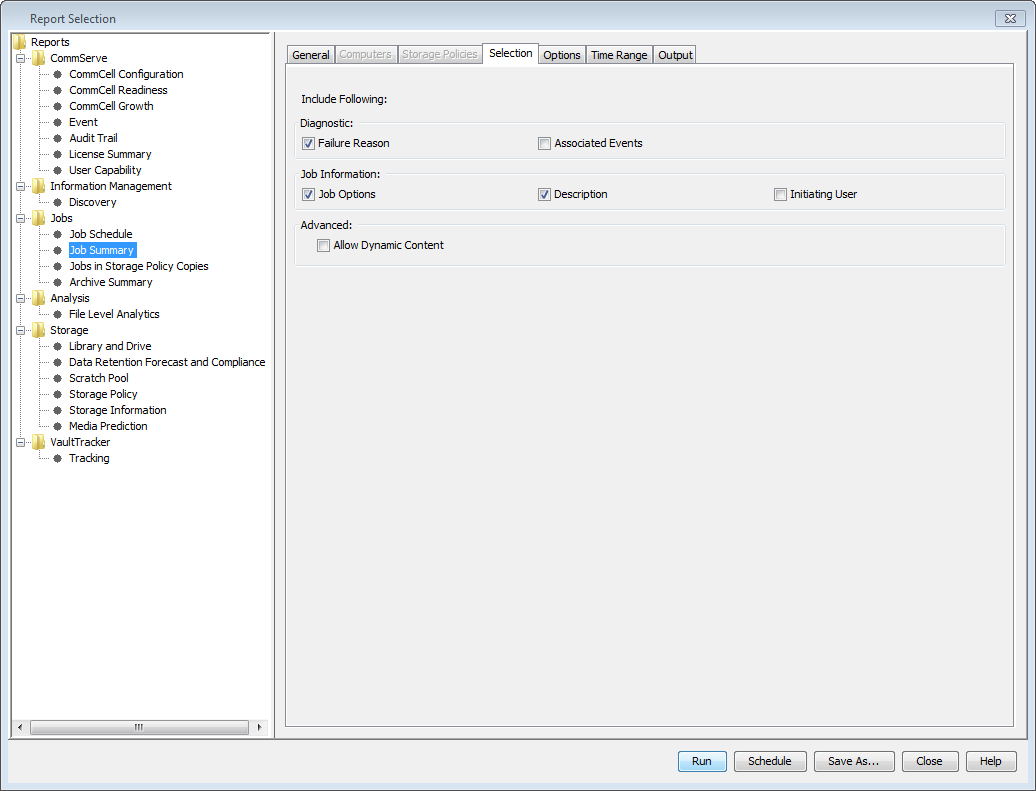
To display only jobs that contain a particular description, on the General tab, select Jobs with Description, and then enter a description in the box.
Associated Events
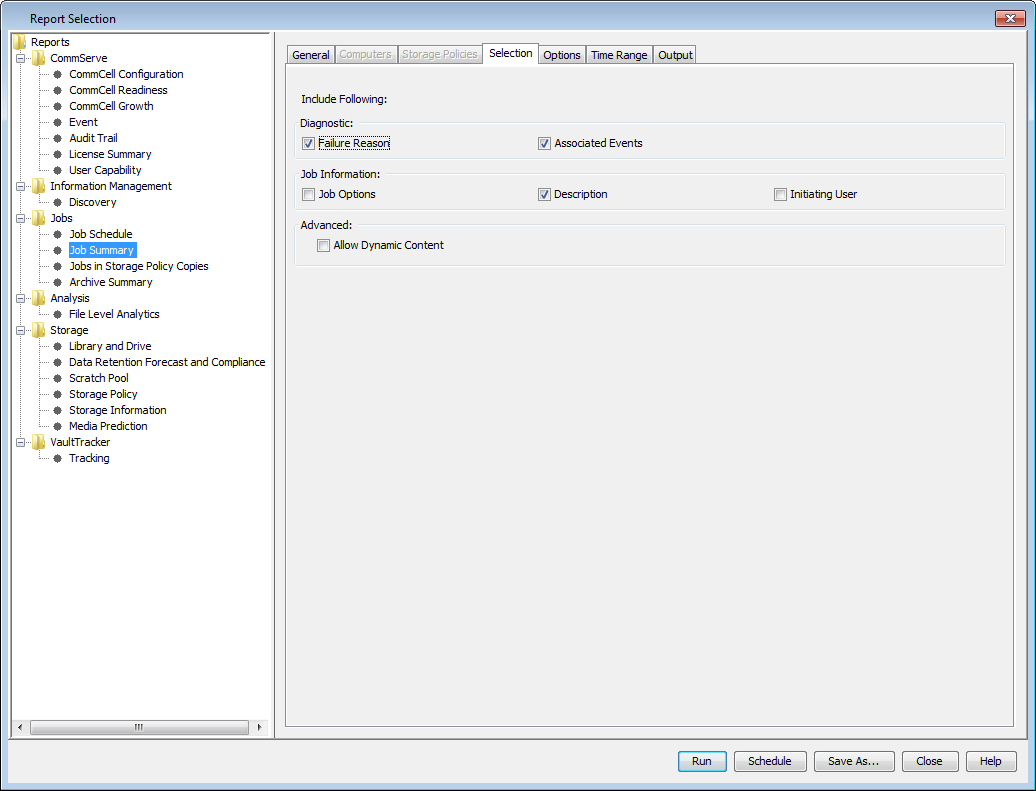
This section displays any events that were associated with the workflow job, such as the job start time and end time.

Setting
To display the events associated with each job, on the Selection tab, click Associated Events.
Job Options
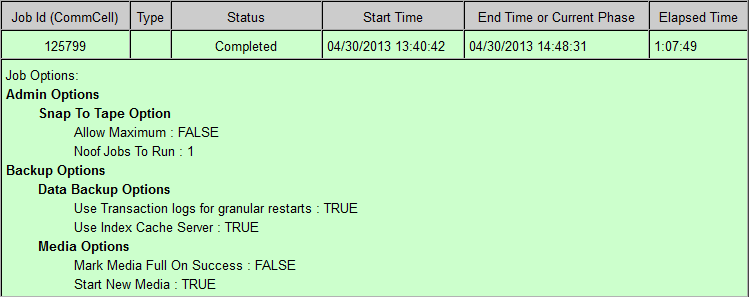
This section displays all of the options that were configured for each job.
Setting
To display job options in the report, on the Selection tab, click Job Options.
Initiating User
This column displays the name of the user who scheduled or started the job.

Setting
To display the name of the initiating user, on the Selection tab, click Initiating User.