The default administrator password for the IPMI (Intelligent Platform Management Interface) on HyperScale X nodes can be changed after the initial setup.
Procedure
-
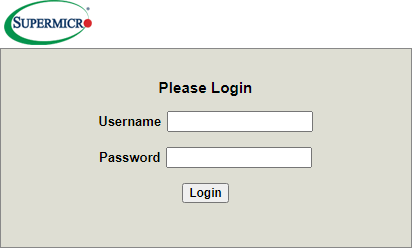
Open a web browser on a remote workstation and enter the static IP address of the IPMI.
The login screen is displayed.
-
Enter the credentials for the default administrator account:
Username: ADMIN
Password: ADMIN
-
Click Login.
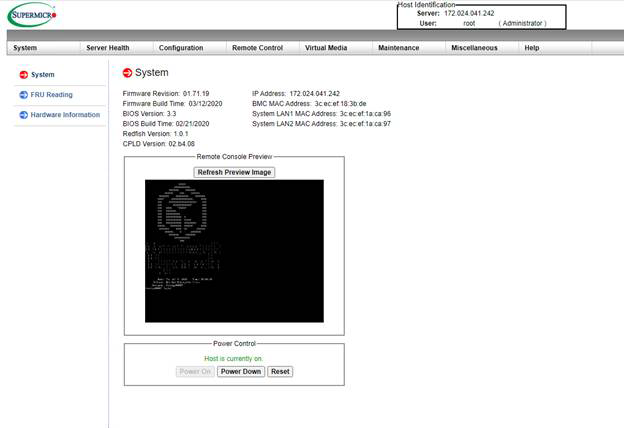
The IPMI Web Server interface is displayed.
-
From the menu at the top of the page, click Configuration > Users.
The Users screen is displayed.
-
Select the user from the list and then click the Modify User button.
The Modify User screen is displayed.
-
Enable the Change Password checkbox, and then enter the new password in the Password and Confirm Password fields.
-
Click Modify to save the changes.